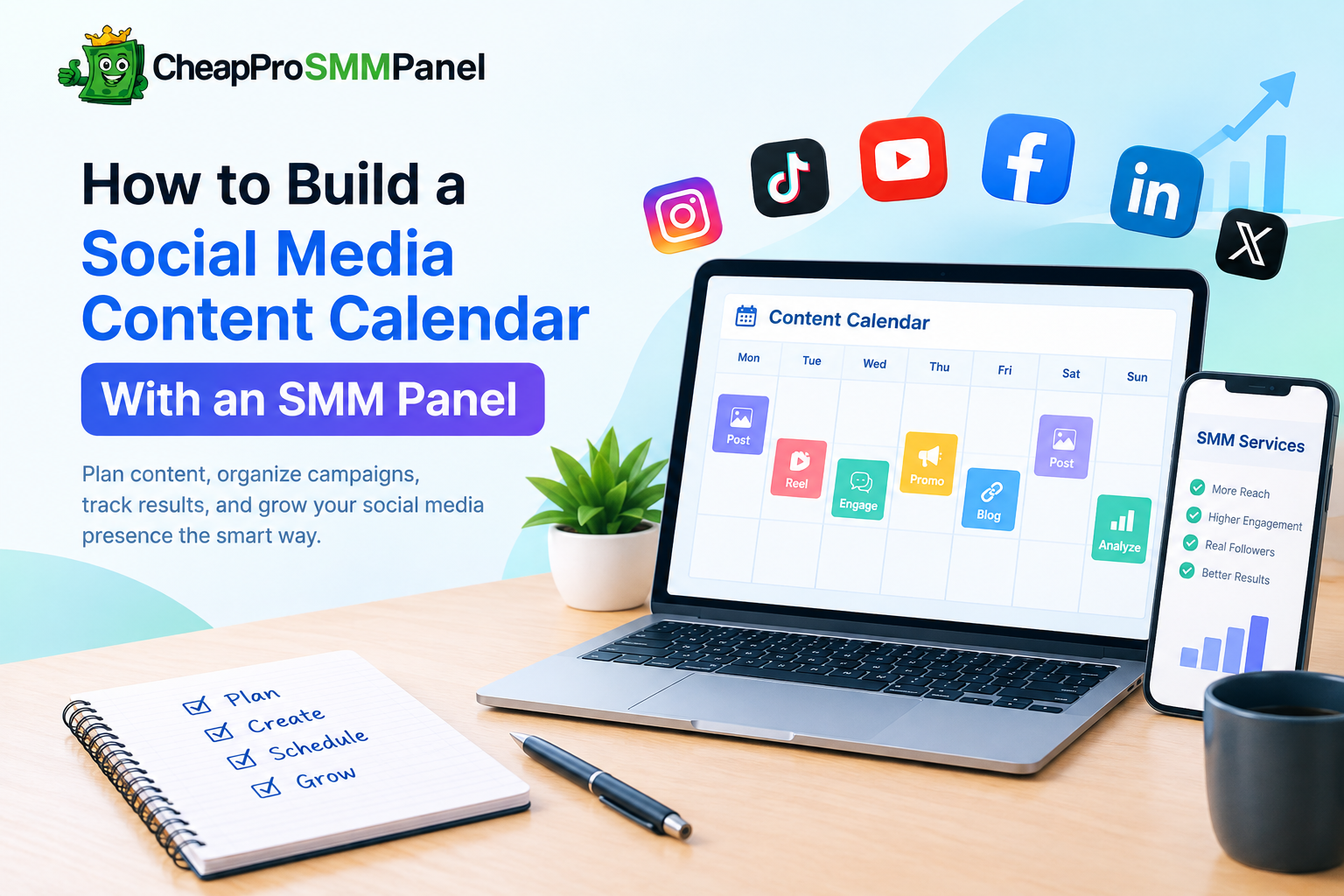
Posting regularly on social media sounds simple until you have multiple platforms, different audiences, promotional campaigns, and several pieces of content to manage each week. Without a plan, it is easy to post too much on one day, disappear for several days, or publish content without a clear purpose.
A social media content calendar can solve much of this problem. It gives you a structured view of what you plan to publish, where it will be published, and what you want each post to achieve.
For creators, agencies, and businesses that use an SMM panel, combining content planning with social media services can make campaign management more organized. The key is to use these services as part of a broader strategy rather than treating engagement metrics as a replacement for useful content.
This guide explains how to build a practical social media content calendar and where an SMM panel can fit into the workflow.
What Is a Social Media Content Calendar?
A social media content calendar is a schedule that organizes your upcoming social media posts.
Depending on your needs, a calendar can include:
Publishing date and time
Social media platform
Post topic
Content format
Caption
Target audience
Campaign
Call to action
Relevant hashtags
Content status
Performance metrics
For example:
| Date | Platform | Content | Format | Goal |
|---|---|---|---|---|
| Monday | Product tip | Reel | Reach | |
| Tuesday | Educational article | Link post | Traffic | |
| Wednesday | TikTok | Quick tutorial | Video | Awareness |
| Friday | Customer experience | Carousel | Engagement |
The exact schedule depends on your audience and resources. There is no universal number of posts that every account should publish.
Why Use a Content Calendar?
1. Maintain Consistency
A calendar reduces the chance of long gaps between posts.
Consistency does not necessarily mean posting several times every day. It means establishing a realistic publishing routine that you can maintain.
A small business might find three or four quality posts per week more manageable than trying to publish multiple times every day.
2. Avoid Repetitive Content
When posts are created at the last minute, topics can become repetitive.
A calendar lets you distribute different content categories throughout the week.
For example:
Educational content
Product information
Industry news
Behind-the-scenes content
Customer stories
Tutorials
Promotional posts
Questions and discussions
This creates a more balanced content mix.
3. Coordinate Multiple Platforms
Each social platform has different content formats and audience behaviors.
Instead of creating completely unrelated content for every platform, you can develop one core idea and adapt it.
For example, a blog article could become:
An Instagram carousel
A short video
A Facebook post
A LinkedIn discussion
Several short-form tips
The calendar makes it easier to coordinate these variations.
4. Measure Results More Effectively
A calendar also creates a historical record of your campaigns.
You can compare your content schedule with metrics such as:
Reach
Impressions
Engagement
Profile visits
Website traffic
Click-through rate
Conversions
This helps you identify which topics and formats deserve more attention.
Where Does an SMM Panel Fit Into a Content Calendar?
An SMM panel can provide social media marketing services such as engagement, followers, views, or other platform-specific services.
However, these services should not replace the fundamentals of social media marketing.
A useful way to think about the workflow is:
Content → Audience → Distribution → Measurement → Optimization
Your content remains the foundation.
An SMM panel can potentially be used as one component of the distribution or campaign-support stage, depending on the service and platform requirements.
The objective should be to build a structured campaign rather than simply increase a number on a profile.
How to Create Your First Content Calendar
Step 1: Define Your Objective
Start by deciding what you want your social media activity to accomplish.
Possible objectives include:
Increasing brand awareness
Generating website traffic
Promoting a product
Building a community
Generating leads
Increasing video reach
Supporting a product launch
Avoid choosing every objective simultaneously.
A specific campaign objective makes it easier to determine what content belongs in your calendar.
Step 2: Choose Your Platforms
You do not necessarily need to publish on every social network.
Select platforms where your target audience is actually active.
For example:
Instagram: Visual content, Reels, Stories, carousels
TikTok: Short-form video and educational or entertaining content
Facebook: Community content, videos, links, and discussions
LinkedIn: Professional, educational, and industry-focused content
YouTube: Long-form and short-form video
Your calendar can contain separate columns for each platform.
Step 3: Create Content Categories
Create several content pillars before filling your calendar.
A simple structure could be:
Educational — tutorials, explanations, tips
Informational — industry updates and statistics
Brand — company news and behind-the-scenes content
Community — questions, polls, discussions
Promotional — products, services, offers
This prevents your social media account from becoming one long sequence of advertisements.
Step 4: Decide Your Publishing Frequency
Choose a frequency that your team can realistically maintain.
For example:
| Platform | Example Weekly Frequency |
|---|---|
| 3–5 posts | |
| 2–4 posts | |
| 2–3 posts | |
| TikTok | 3–5 videos |
| YouTube | 1–2 videos |
These are starting points, not fixed rules.
Your analytics should eventually determine which frequency works best for your audience.
Step 5: Plan Campaigns in Advance
If you have an upcoming product launch or promotion, begin planning before the launch date.
A simple campaign might contain:
Week 1: Awareness
Introduce the problem or topic.
Week 2: Education
Explain the solution and provide useful information.
Week 3: Product introduction
Present the product or service.
Week 4: Conversion
Use demonstrations, testimonials, offers, or calls to action.
This is much more organized than publishing promotional posts randomly.
Using an SMM Panel as Part of the Workflow
If you use an SMM panel, record the relevant campaign activity in the same planning system.
For example:
| Date | Content | Platform | Objective | Service | Status |
|---|---|---|---|---|---|
| May 5 | Product Reel | Reach | Video views | Planned | |
| May 7 | Tutorial | Engagement | Views | Published | |
| May 9 | Product video | TikTok | Awareness | Views | Planned |
Keeping this information together makes campaign management easier.
However, avoid using artificial engagement as the sole measure of whether content is successful. A post can receive views without generating meaningful interest in your product.
Look beyond surface-level numbers.
Focus on Quality Before Quantity
One of the biggest mistakes in social media marketing is assuming that larger numbers automatically mean better performance.
Suppose two posts receive:
Post A
50,000 views
20 website visits
0 leads
Post B
8,000 views
300 website visits
15 leads
Post A has the larger reach, but Post B may have generated significantly more business value.
This is why your content calendar should track metrics that match your actual objective.
For awareness campaigns, reach and impressions may be useful.
For traffic campaigns, clicks and sessions may matter more.
For lead-generation campaigns, enquiries and conversions are more important.
Build a Simple Monthly Calendar
You do not need complicated software to get started.
A spreadsheet can contain columns such as:
Date
Platform
Content Pillar
Post Topic
Content Format
Caption
CTA
Campaign
Status
Target Metric
Actual Result
Notes
You can then create separate rows for every planned post.
At the end of each month, review the results.
Ask:
Which topics performed best?
Which formats generated the most interaction?
Which posts produced website traffic?
Which campaigns generated enquiries?
Which publishing times performed well?
Which content should be repeated or improved?
Use those observations to build the following month's calendar.
Common Content Calendar Mistakes
Publishing Without a Goal
A calendar full of posts is not necessarily a successful strategy.
Every important post should have a reason for existing.
Overloading Promotional Content
If every post asks people to buy something, followers may lose interest.
Balance promotional posts with useful information and community-oriented content.
Copying the Same Post Everywhere
Cross-platform publishing can save time, but blindly copying the same caption and format across every network may not work well.
Adapt the presentation to each platform.
Chasing Vanity Metrics
Followers, views, and likes can provide useful signals, but they are not always business outcomes.
Track metrics that correspond to your objective.
Ignoring Analytics
A calendar should evolve.
If your data shows that certain topics consistently outperform others, use that information when planning future content.
A Practical Weekly Template
Here is a simple structure you can adapt:
| Day | Content Type | Purpose |
|---|---|---|
| Monday | Educational post | Provide value |
| Tuesday | Short-form video | Increase reach |
| Wednesday | Community question | Encourage interaction |
| Thursday | Industry insight | Build authority |
| Friday | Product/service content | Generate interest |
| Saturday | Behind-the-scenes content | Humanize the brand |
| Sunday | Weekly recap or optional post | Maintain continuity |
You can adjust the schedule according to your audience, platform, and available resources.
SMM Calendar At a Glance
An SMM panel should not be viewed as a shortcut that eliminates the need for good social media marketing. A stronger approach is to combine useful content, consistent publishing, audience research, analytics, and appropriate marketing services.
A content calendar provides the structure.
Your content provides the value.
Analytics tell you what is working.
And an SMM panel can be incorporated into the wider workflow when its services fit the campaign.
The goal should not simply be to make your social media numbers bigger. The goal is to build a predictable system for publishing, measuring, and improving your social media presence.
If you are managing several campaigns or client accounts, start with a simple monthly spreadsheet. Once the process becomes consistent, you can expand it into a more detailed content management system.